2x your ChatGPT plan

Our team was burning through a ton of tokens each month. Our finance team said slow it down.

Our lead engineer, Rampey, built a tool to help us route our prompts more efficiently to the right model.

We were surprised by the results, saving 50%+, and decided to share it with the world.
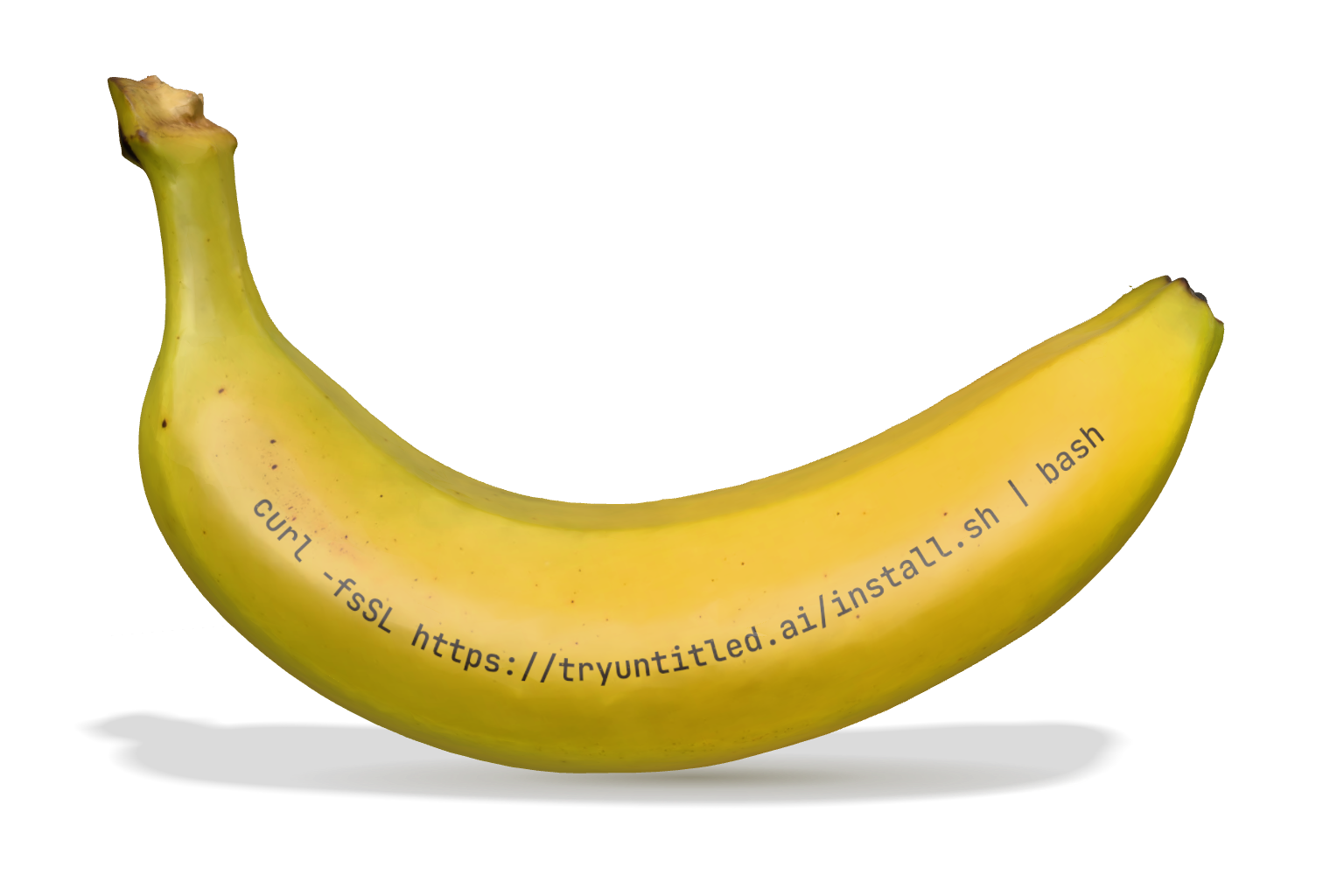
A yellow banana printed with the installation command: curl -fsSL https://tryuntitled.ai/install.sh | bash

for ChatGPT

FREE

One command. About a minute.

The installer adds an Untitled Auto entry to the model picker in the ChatGPT/Codex app. Everything else stays exactly where it was.

Pick Auto once. We pick the model every time.

Untitled Auto sits in the same model picker you already use. Quick edits go to a light model, hard problems to the strongest one, and your plan lasts longer.

The Codex model picker with Untitled Auto selected. Three prompts are routed automatically:"rename getUser to fetchUser across the repo" to GPT-6 Luna (mechanical edit). "why does the websocket drop after 30s?" to GPT-6 Sol (debugging). "plan a migration to multi-tenant billing" to GPT-6 Astra (deep reasoning).

A small status item in your menu bar shows the local relay is running, how far your plan now stretches, and when your usage resets. Switch back to stock Codex any time, in one click.

The Untitled status menu in the macOS menu bar: routing is active, with an estimated subscription extension of 1.85×. Codex remaining 96%, tokens saved +46%. Last reset Mon 9:00 AM; next reset Mon 9:00 AM, in 3d 23h. Untitled is up to date. Options to check for updates, update the model catalog, refresh, or uninstall.

What users are saying

Real reviews from real testers. Want the inside scoop?
Join our Telegram group for beta testers.

  • “looking good so far. reviewed about 9 PRs.”
  • “yeah i’ve basically had unlimited codex i’m shocked”
  • “kinda crazy. i probably would’ve burned through 10% of my usage since install and it’s only moved 1%”
  • “the install process and little menu stuff is clean overall, UX is nice”
  • “74% savings kind of cracked”
  • “i was a little hesitant, because i just always operate on max, but not noticing a quality drop”
  • “very impressive the usage will not go down”

How it works

A router for Codex. Pick Untitled Auto once, and every request goes to the lightest model that can do the job.

  1. Install with one line

    Run the command on macOS. A small local relay hooks into the Codex you already use, signed in with your existing ChatGPT login. It works in both the Codex CLI and the desktop app.

  2. Start a new session on Untitled Auto

    Quit Codex, open a new session and pick Untitled Auto from the model picker. Sessions that were already open, or that you resume, keep your old settings.

  3. Each request goes to the right model

    Untitled Auto sends every request to the lightest model that can handle it. Changes to existing code usually go to a lighter model; deploys, tooling and new projects step up to the flagship. Pick any other model and your requests pass through unchanged.

  4. Watch your plan stretch

    The banana in your menu bar shows how much usage you’ve saved and how much further your plan goes. The first figure appears after a few requests.

Codex keeps control of tools, permissions and approvals. Uninstall from the menu bar any time to go back to standard routing.

Benchmarks

Testers’ real Codex work, measured against running the same tokens on Sol, the flagship model.

1.87×

more Codex from the same plan
46.49% of usage saved across the whole workload

DeepSWE: 113 real-world coding tasks, scored by whether the fix actually works.

  • Luna 6
  • Terra 6
  • Sol 6
  • Astra 6
  • Untitled

tasks solved

0%20%40%60%80%$0.01$0.10$1$10Sol 6 high · the quality barUntitled Auto · 70.6%

cost per task (log scale) →

Sol-high quality.
A third of the cost.

Untitled
70.6% at $0.89/task
Sol 6 high
69.2% at $2.65/task
DeepSWE v1.1 public runs (mini-swe-agent), 4 per task · cost at OpenAI list prices · Untitled = the model it picks for each task, scored with that model’s runs

Methodology

Every saving is measured against what the same work would have cost on Sol, and checked for quality, at our expense.

  1. Sample and rerun

    Untitled picks a random sample of prompts and runs each one again on Sol, the flagship model, using Untitled’s own paid account.

  2. Price both runs the same way

    Both runs are priced at the same token counts. The saving is the gap between the two costs.

  3. Judge the answers blind

    An agent compares the two answers without knowing which model wrote which, and judges which is better.

  4. Turn savings into plan time

    The menu bar shows the share saved and what it means for your plan:

    extension = 1 ÷ (1 − share saved)

    Examples of share saved and plan extension
    Saved40%46%50%74%
    Plan goes1.67×1.85×2.00×3.85×

Frequently asked questions

What is Untitled?

Untitled adds an Auto model to Codex. It sends each request to the cheapest model that can handle it, so your ChatGPT plan’s Codex allowance lasts longer. Easy edits go to a lighter model; deploys, tooling and new projects go to the flagship.

How much will it save me?

Across all testers, Untitled saved about 46% of Codex usage, roughly 1.87× more from the same plan. Your own number depends on what you work on: testers have seen anywhere from 8% to 74%.

Will the answers be worse?

In blind comparisons against Sol, the flagship, Untitled Auto scored the same or better on correctness. For harder tasks it moves up to a stronger model on its own.

How do I install it?

On macOS, run the one-line command at the top of this page. Then quit Codex, start a new session and pick Untitled Auto. It works in both the Codex CLI and the desktop app.

Why does my menu bar show “—” instead of savings?

You’re probably in an old session. Sessions opened before the install keep your previous settings. Quit Codex (or open a new terminal), start a new session on Untitled Auto, and savings appear after a few requests. If you still see a dash, run the install again to get the latest version.

Can I switch an existing conversation to Untitled Auto?

Not yet. Switching models in the middle of a resumed session can fail, so start a new session.

Which models does it use?

The GPT models in your Codex picker, from GPT-6 Astra down to GPT-5.5. Lighter models handle most changes to existing code; stronger ones take harder work. If newer models are missing, run the install again.

Does it help if my default is already a smaller model?

Usually, yes. Untitled uses a stronger model only when the task needs one.

What do you log?

Operational telemetry excludes prompts and answers. Quality capture is a separate choice during installation; if you allow it, sampled prompts and responses are sanitized and may be retained to evaluate and improve routing.

Do comparisons use my account?

No. Comparison reruns are billed to Untitled’s own account, never yours.

Is a curl install safe?

The script pulls our GitHub release, the same way tools like Foundry and Nix install. You can read install.sh before you run it.

Windows? Claude Code? Other harnesses?

macOS today, Windows next. Claude Code support is planned. Other harnesses such as Hermes could work but need extra integration, and the community has built a status-bar plugin for oh-my-pi.

I’m getting a stream-disconnected or port error.

Another app may be using the same port. Reinstall on different ports, then quit Codex and start a new session:

curl -fsSL https://tryuntitled.ai/install.sh | UNTITLED_LOCAL_PROXY_PORT=28787 UNTITLED_LOCAL_ENGINE_PORT=38787 bash
How do I uninstall?

Open the banana menu in your menu bar and choose Uninstall Untitled. Codex goes back to standard routing.